
Incident Reporting
Fire department incident reporting software for volunteer halls
Capture a call end to end while it is still fresh: times, map location, units and drivers, responding members, and other agencies. Then print a clean report you can hand to anyone who asks.
30-day free trial. No credit card required.
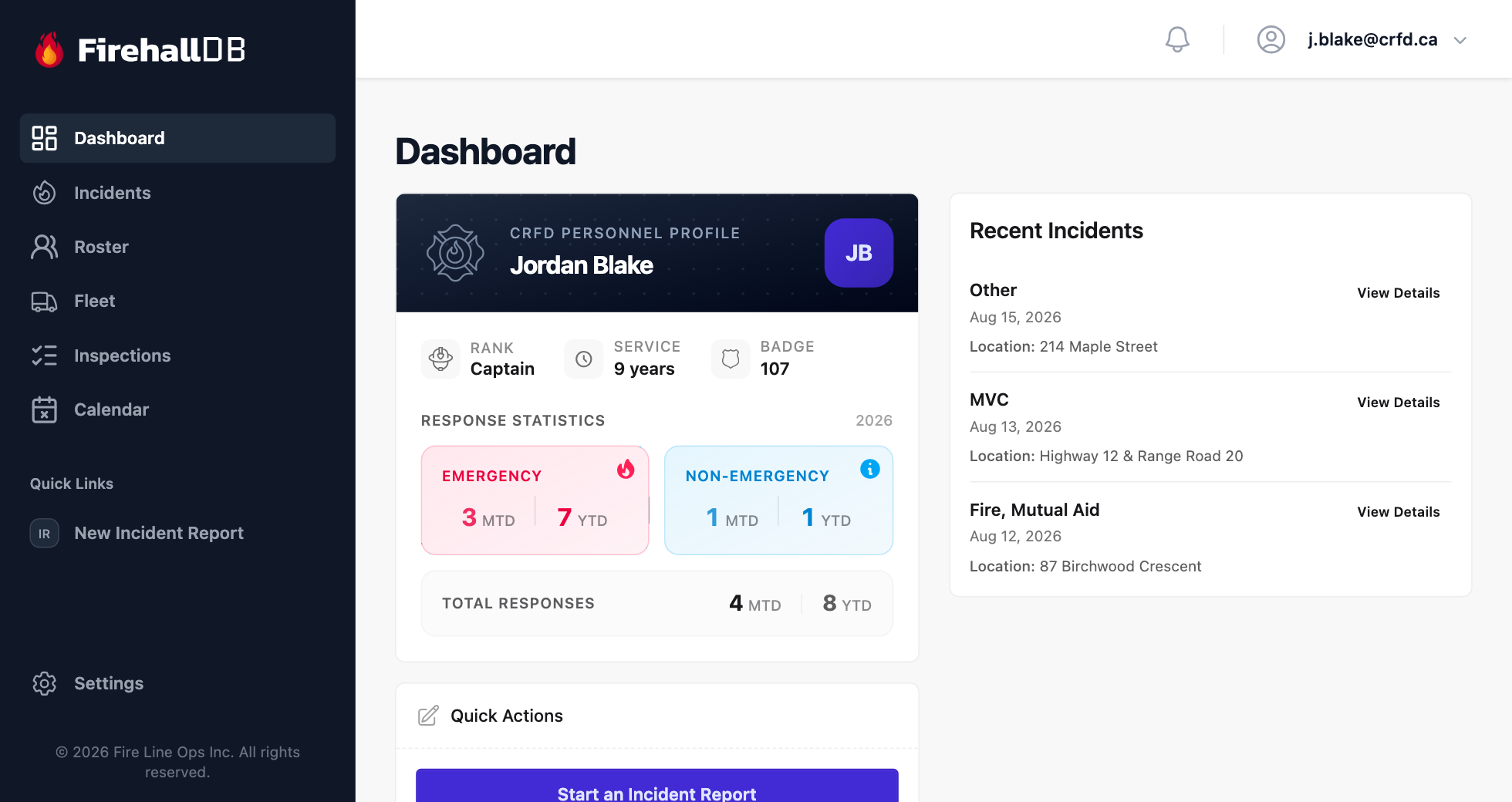
One report for every call, filled in the same way every time
In a lot of volunteer departments, the incident report is whatever form was closest, written a week after the call by whoever got stuck with it. Who drove which truck, when the first unit arrived, and the RCMP file number are the details that go missing, and they are exactly the ones someone asks for later.
FirehallDB gives every call the same structured incident report. It walks the writer through the times, the location, the units and drivers, the responding members, and the other agencies on scene, then shows only the extra sections that call type needs. The finished report is printable and lands on the incident map.
How It Works
How an incident report comes together, step by step
- 1
Start the report
Open a new report from the dashboard, or scan a Quick Link on the station tablet that jumps straight to a new incident. Pick one of nine incident types, each with its own badge and colour, so a call reads the same everywhere it appears.
- 2
Pin the location
Drop the pin with the Google Maps location picker. The report stores the GPS coordinates, which puts the call on the department incident map.
- 3
Record who and what responded
Add the times, the units that rolled with their assigned drivers, and the members who responded. Name the incident commander and the documenter, list other agencies on scene, and record the RCMP or police file number.
- 4
Fill in what the call needs
Motor vehicle collision and medical sections appear automatically when the incident type calls for them, and stay out of the way when it does not. Attach photos taken on scene straight from a phone.
- 5
Print and file
Every report prints to a clean, consistent layout you can hand to the RCMP, an insurer, the fire marshal, or a court without retyping anything.
Incident Map
Every call on one map
Each geocoded report lands on an interactive map with colour-coded markers by incident type and timeframe filters. It shows where your calls actually come from, which is the picture chiefs bring to council and budget meetings when they ask for a new truck or a second station.
What goes on every incident report
- Times, location, units, drivers, responding members, and other agencies on one report
- Incident commander and documenter recorded on every call
- RCMP or police file number tracked with the incident
- MVC and medical sections that appear only when they apply
- Photo attachments from the field
- Print-ready, court-ready report layout
- Each truck’s fleet card lists its full response history
- Mobile-first, so reports can be filed from a phone at the hall
Who it is for
FirehallDB is fire incident report software for volunteer and composite departments, where the person writing the report went to the call on their own time.
Chiefs
Every call documented the same way, whoever wrote it up. Pull a report in seconds when the RCMP or an insurer calls, and bring the incident map to council and budget meetings.
Officers and documenters
A structured form that asks for what matters in order, so the report gets finished at the hall after the call instead of rebuilt from memory a week later.
Members
Responses are recorded against the members and trucks that went, so response counts reflect who actually showed up without a separate tally sheet.
The same system runs your apparatus checks. See how fire truck inspections work in FirehallDB.
Write your next call up in FirehallDB
Start a 30-day free trial and file your next incident report the same day. No credit card and no sales call. Incident reporting and the incident map are included on every plan.
Common questions
Which incident types does FirehallDB support?
Nine: structure fire, grass fire, vehicle fire, fire alarm, smoke investigation, motor vehicle collision, medical assist, public assist, and hazmat. Each has one badge and colour used everywhere in the app, including the incident map.
Can we print incident reports?
Yes. Every report has a print-ready layout with the times, location, units, personnel, other agencies, and file numbers, suitable for the RCMP, insurers, or court.
Can members file a report from a phone?
Yes. FirehallDB is mobile-first and runs in the browser, so reports can be started and finished on a phone, with photos attached straight from the camera.
Is incident reporting included on the Basic plan?
Yes. Incident reporting and the incident map are included on both plans, along with roster and training, fleet, inspections, and the calendar. The plans differ only in limits.